
The new and improved KTLA+ app offers live-streaming newscasts, video-on-demand, and a growing lineup of KTLA+ original programming, all without an antenna, cable or satellite subscription.

KTLA+ Weekday Programming
How to Stream: Get the KTLA+ App
Roku: Select Streaming Channels, search for KTLA and press add channel.
Apple TV: Open the App Store, search for KTLA, and touch Get to begin downloading.
Fire TV: Navigate to the magnifying glass, search for KTLA, and hit download.
Samsung Smart TVs: Search for KTLA+ in the Samsung app store.
YouTube TV: Subscribers in the Los Angeles market can watch KTLA 5 streaming 24/7.
Mobile & Web: Stream live and replays on mobile devices and the web.
KTLA+ Original Programming
New shows streaming exclusively on KTLA+: Do It Live!, Caught on Camera, Rich on Tech Weekly, Consumer Confidential with David Lazarus and Out of Bounds.
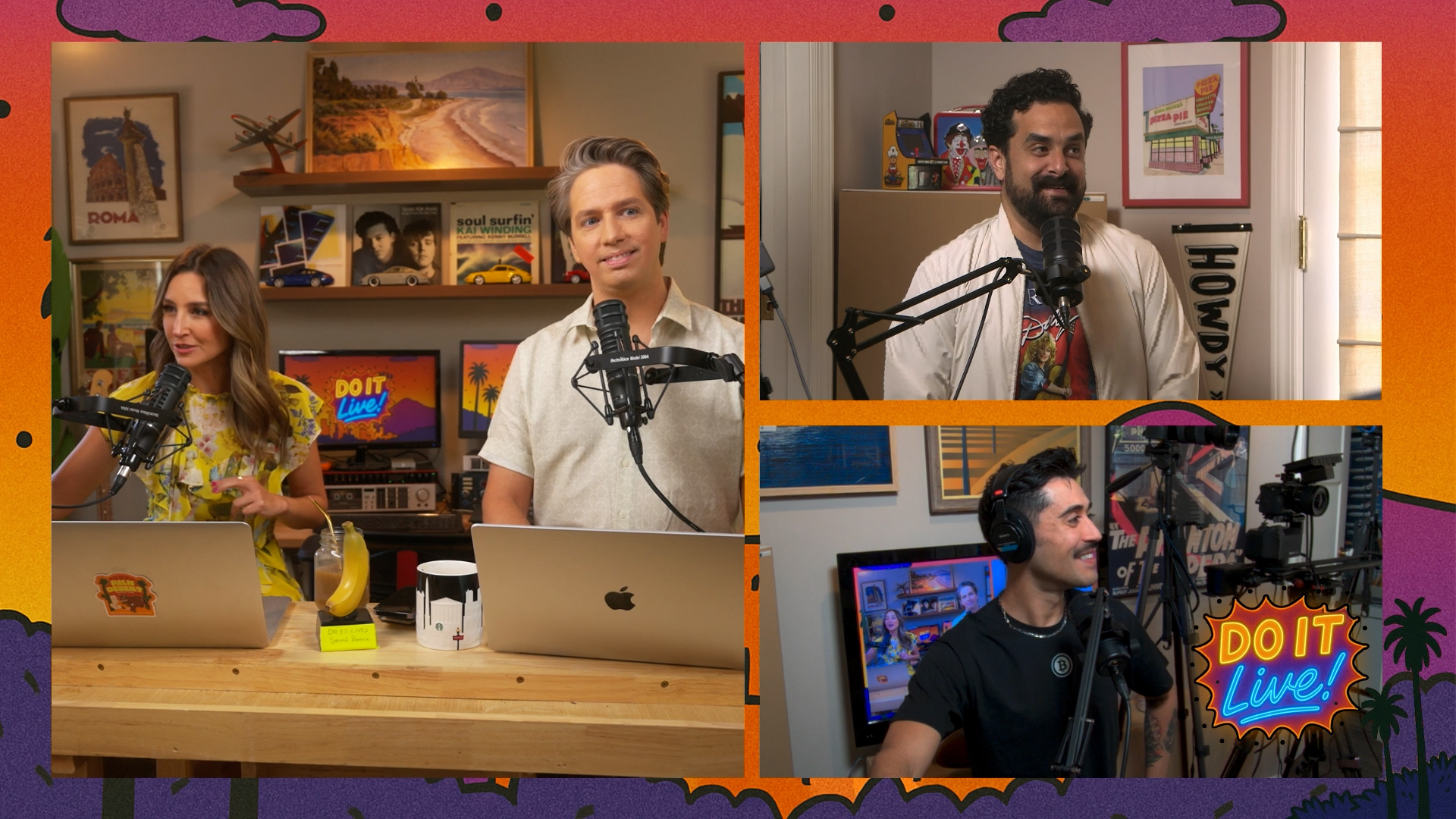
Do It Live!
Saturdays @ 11:00 a.m., 3:00 p.m. and 9:00 p.m.
KTLA’s smart, irreverent news talk show hosted by Samantha Cortese, Andy Riesmeyer, Bobby Gonzalez, and Robert Puente. Breaks down the week’s news with personality and humor.
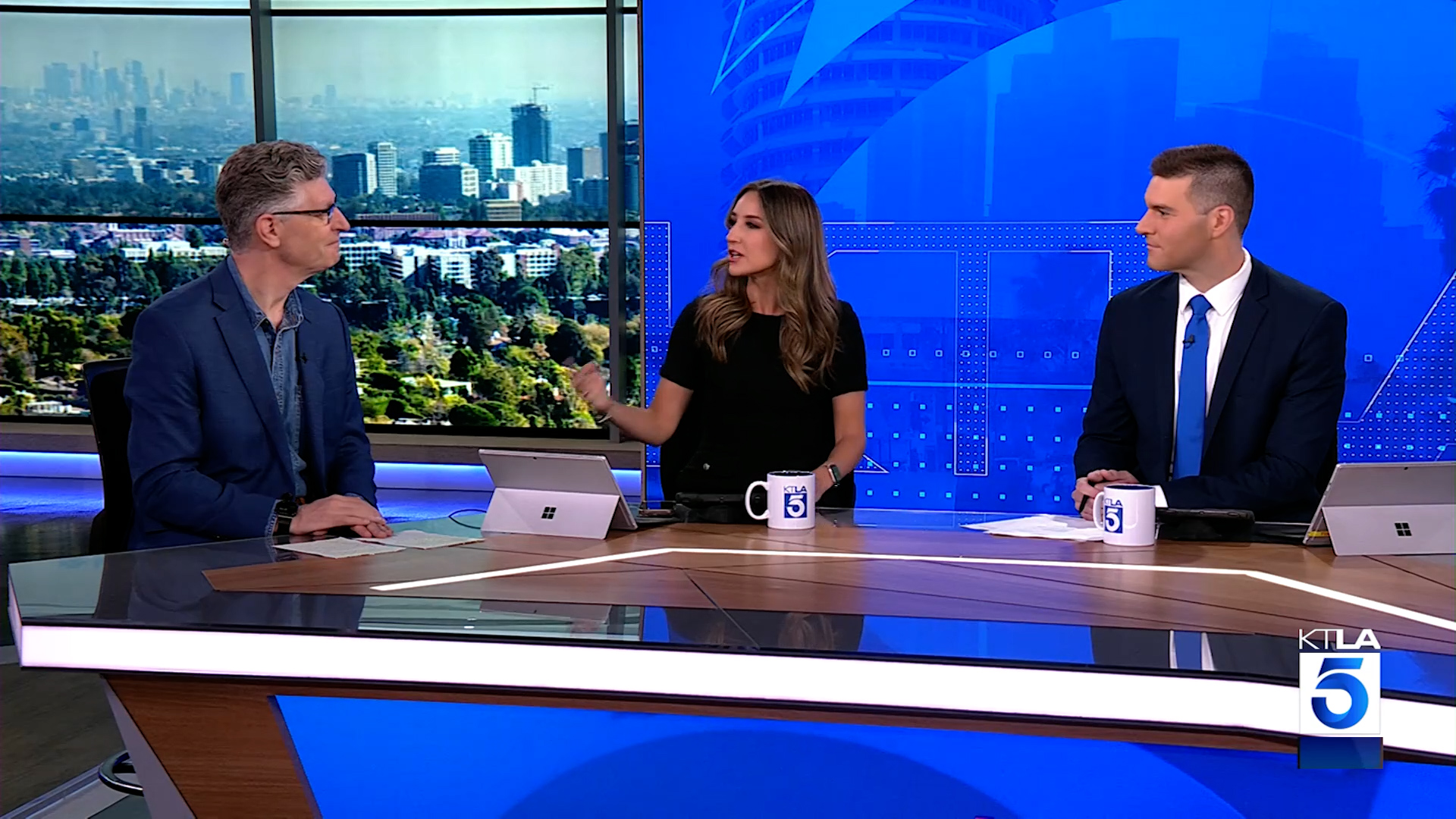
Consumer Confidential
Saturdays @ 2:00 p.m. & 8:00 p.m.
David Lazarus takes consumer advocacy to the next level, with a comprehensive look at the latest trends impacting U.S. consumers and analysis of unfair business practices.
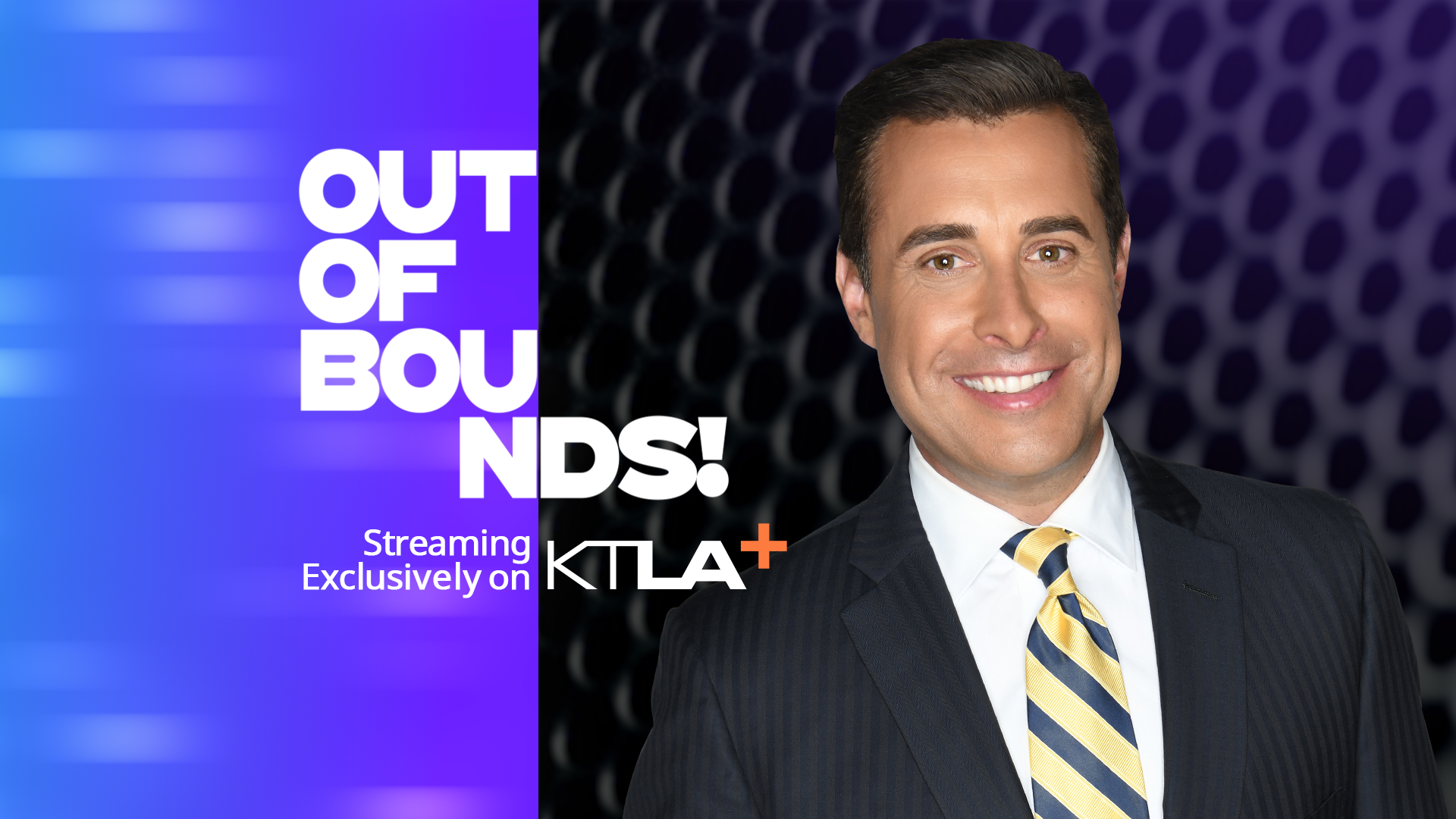
Out of Bounds
Saturdays @ 4:00 p.m. & Sundays @ Midnight
‘Out of Bounds!’ with KTLA Sports Anchor David Pingalore is a fast-paced and in-depth weekly talk show, diving into untold stories and trending topics in sports and entertainment.
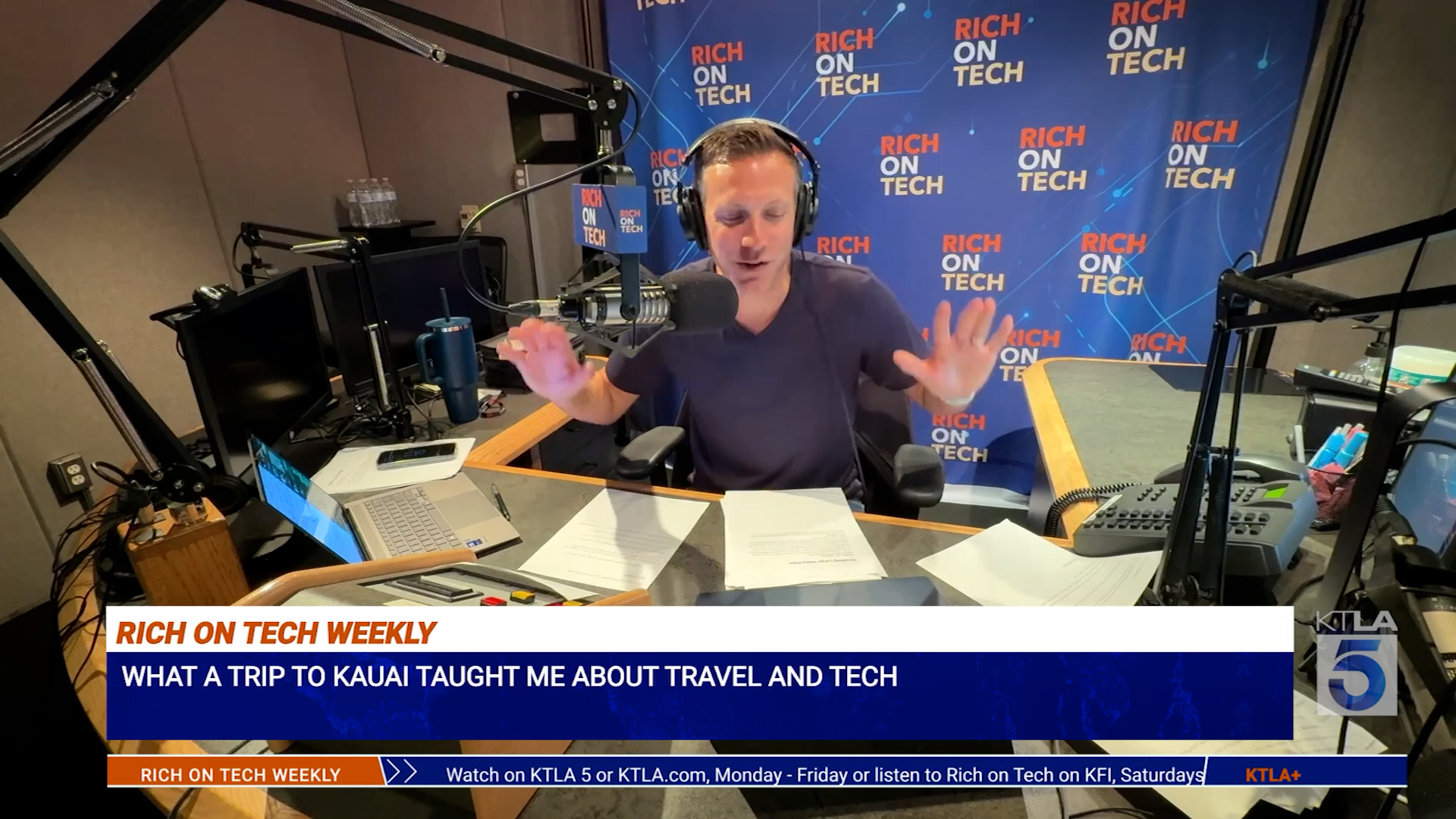
Rich on Tech Weekly
Sundays @ 11:00 a.m. & 4:00 p.m.
Features deep dives into the week’s biggest tech stories, gadget reviews, and practical tips. The KTLA+ version includes extended segments with exclusive insights not shown on TV.
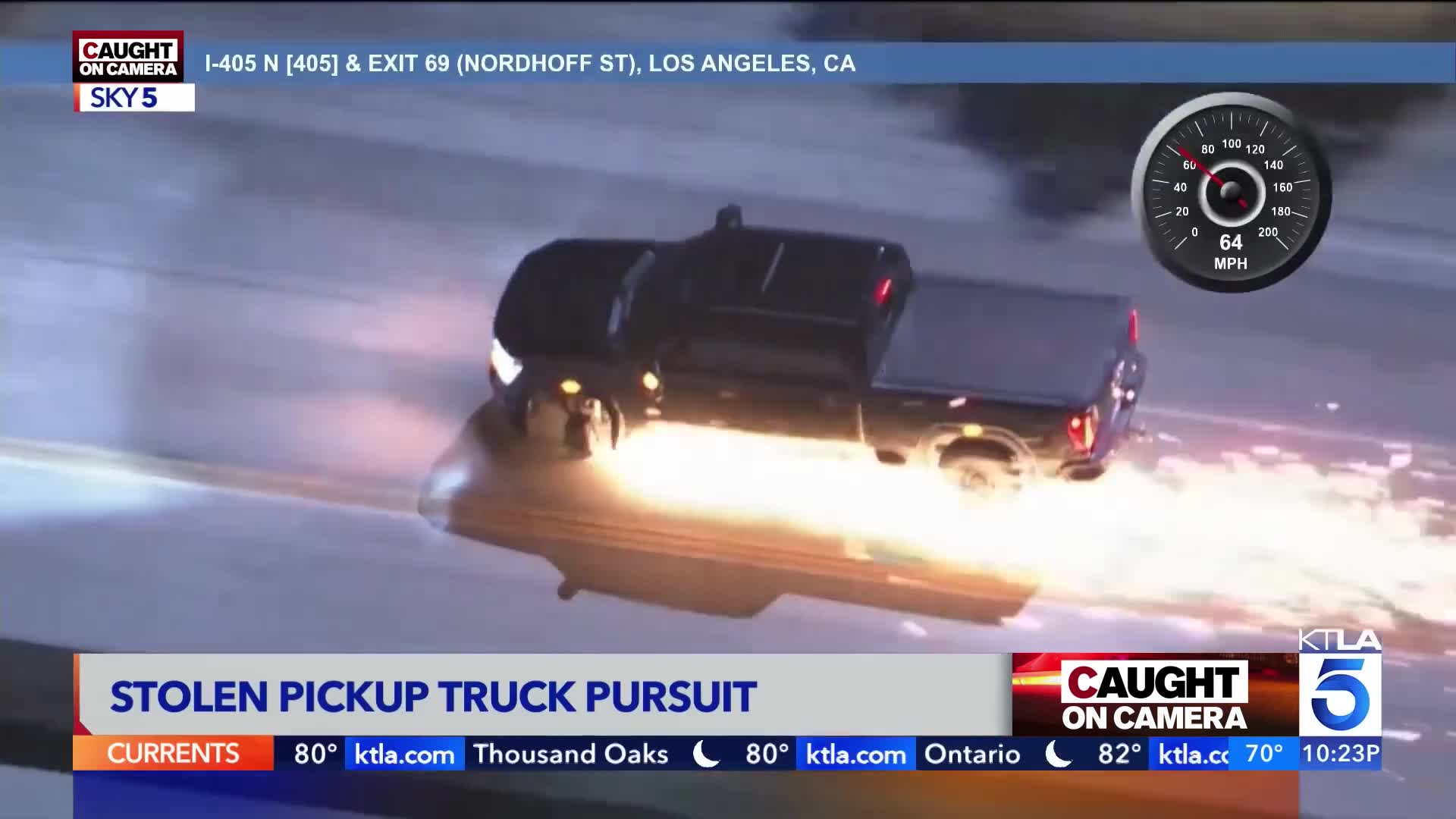
Caught on Camera
Sundays @ 9:00 p.m.
In a city fueled by speed and spectacle, the most gripping drama isn’t scripted—it’s real. This show dives into the heart-pounding world of high-speed police pursuits and intense bodycam moments that unfold on the streets of L.A.—only on KTLA+.
—
Frequently Asked Questions
Q: How do I make live video full screen?
A: Using your device remote, move the cursor to the live preview window and hit OK.
Q: How do I view video clips?
A: Using your remote, navigate down on the home screen to see multiple trays of videos. You can also use the menu option and select “video.”
Q: Is KTLA+ available directly on TV manufacturers’ app stores?
A: KTLA+ is only available on Roku, Apple TV, Amazon Fire TV devices and select Samsung Smart TVs; however, any TV with an HDMI input can use one of these devices. Some devices retail for less than $30.
Q: How can I report technical issues with the app?
A: Use this form to report technical issues to the KTLA 5 Engineering Department.